Admin Dashboard
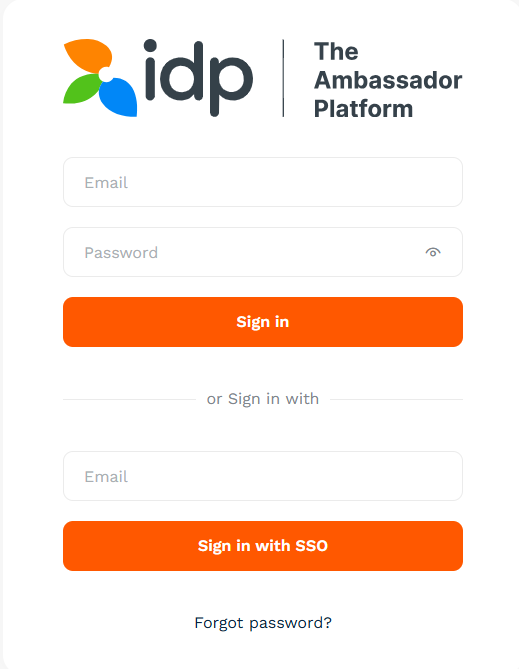
- Go to the admin dashboard
- Put your email address in the input field next to Sign-in with SSO button
- Click Sign-in with SSO
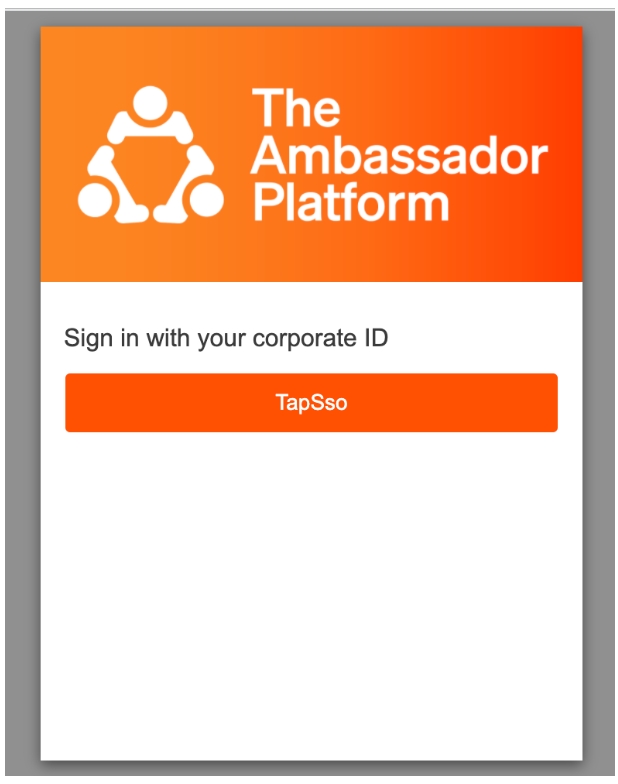
- Pick the application you have created in your identity provider, (e.g. Azure/Google SAML) in the new pop-up window/new tab (depends on your browser settings).
- Authenticate using credentials from your user directory - same credentials that you use to log into other applications in your organization, (e.g. other apps with SSO enabled such as email client), as shown on the example below: