As an admin or ambassador you will receive an number of system notifications from TAP.
By default, all notifications from TAP are sent in UK time (BST or GMT).
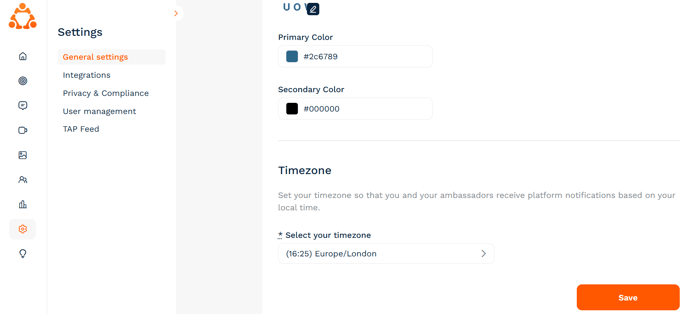
If you would like to customise your experience and receive notifications in your local time you can do this in your Admin Dashboard under Settings > General Settings:
If you have any questions please get in touch with us via the support chat in you dashboard or email [email protected] 😊