📱 How to share content
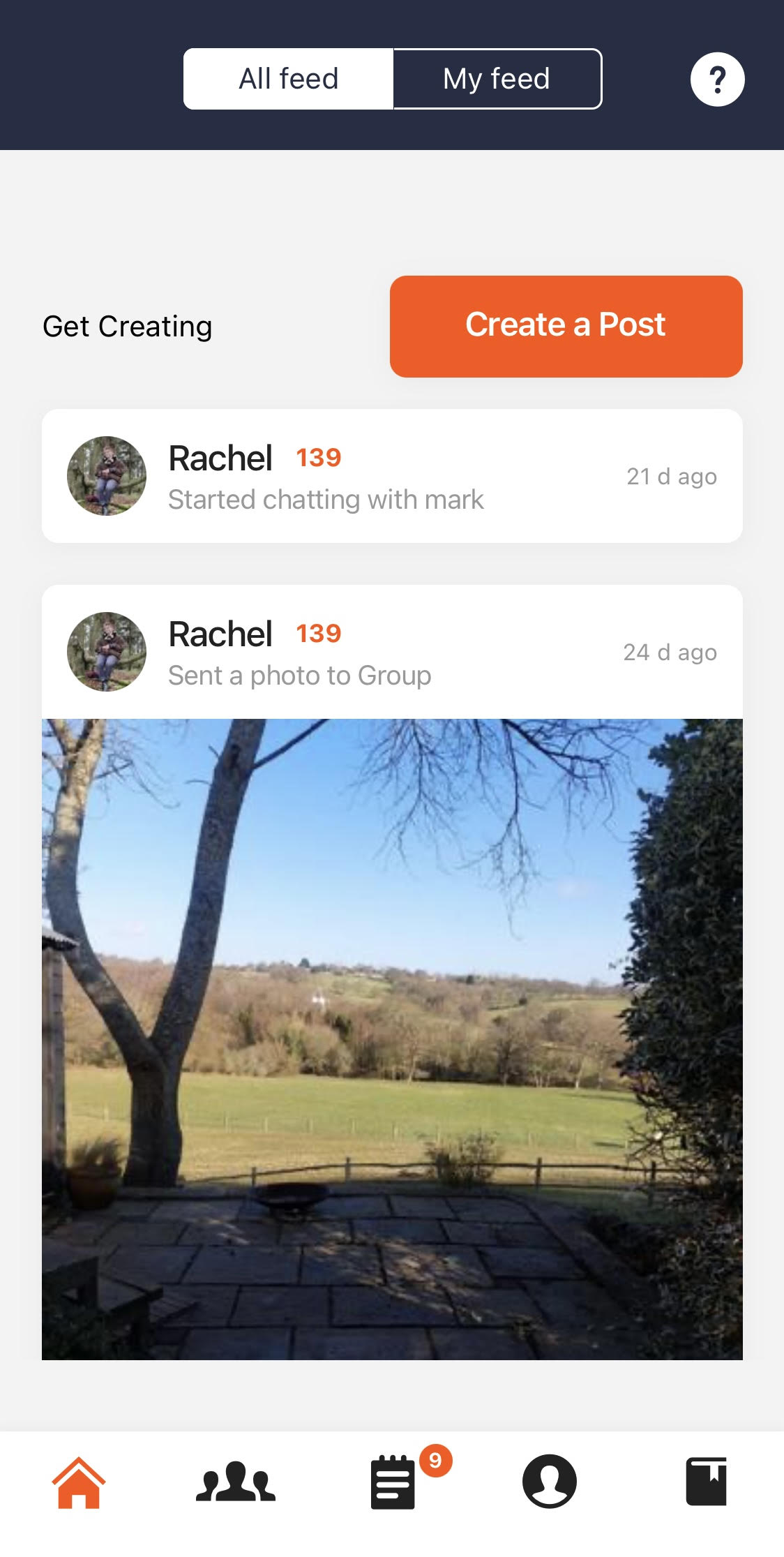
- Open the TAP app and tap the orange “Create a Post” button on the home screen
- Upload from your camera roll or capture a photo/video on the spot
- Add a caption and submit — your content will be sent to your institution’s admin team for review
🧑🤝🧑 What are Content Groups?
You may be invited to join Content Groups — themed spaces where ambassadors share content around specific topics or events.
To access:
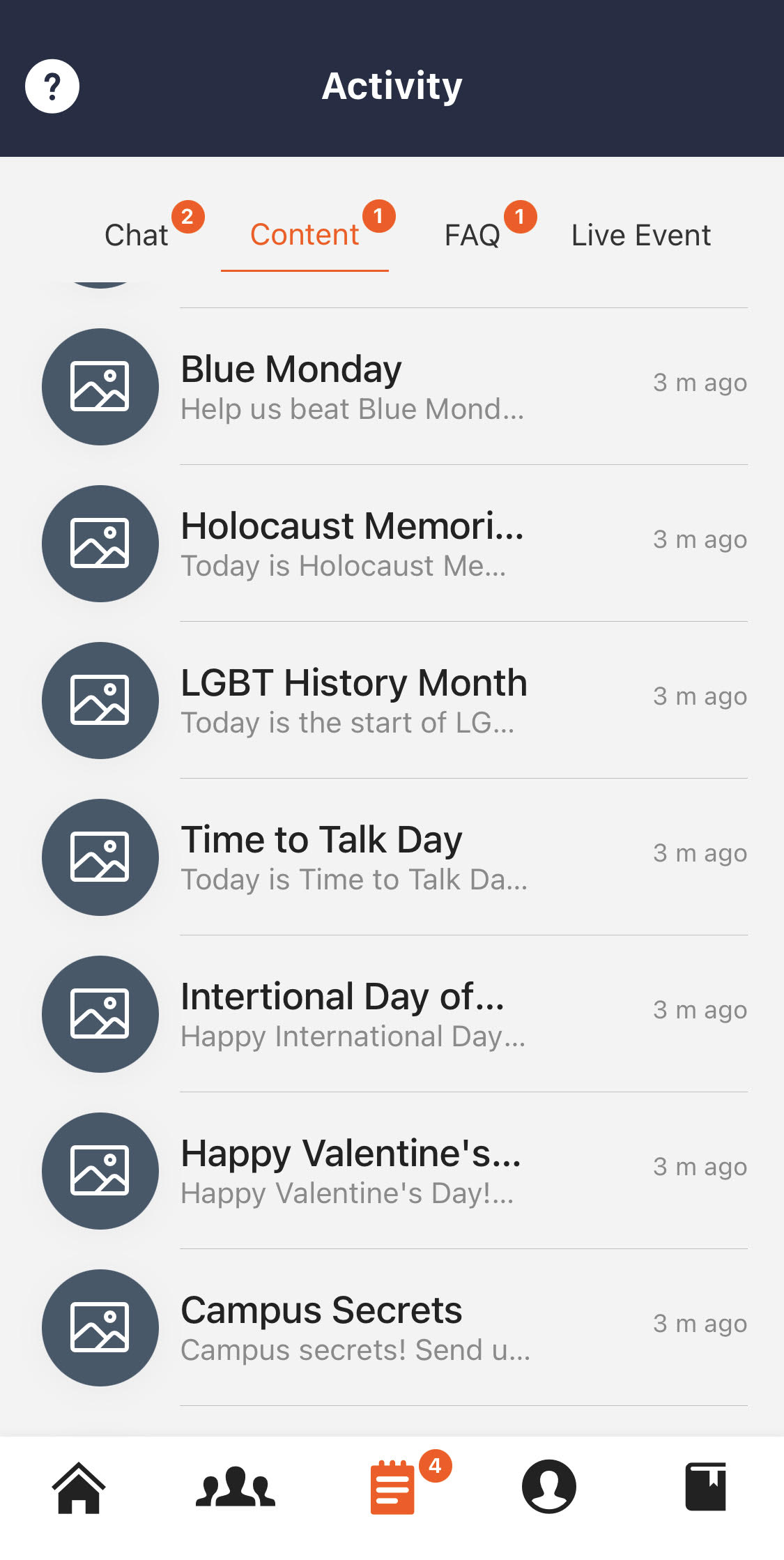
- Tap the third icon in the bottom menu to open the Activity page
- Go to the Content section to view your groups
- Share posts and chat with other ambassadors in the group
👥 Can I include other people in my content?
Yes — but always get verbal consent before uploading. Let them know:
- The content may appear on your institution’s website
- It could be used on social media or in marketing materials
Note that each time you upload a piece of content, you will be asked to tick a checkbox that acknowledges you understand this.
✅ What happens after I upload content?
- Your institution’s admins will review and approve your post
- Approved content may be published to the TAP Feed, shared on social media and other partner websites, or used in wider marketing
✏️ Can I fix a typo or remove a post?
- Typos? Contact your institution’s admin — they can edit captions
- Want something removed? Admins can delete content from the Feed or social media