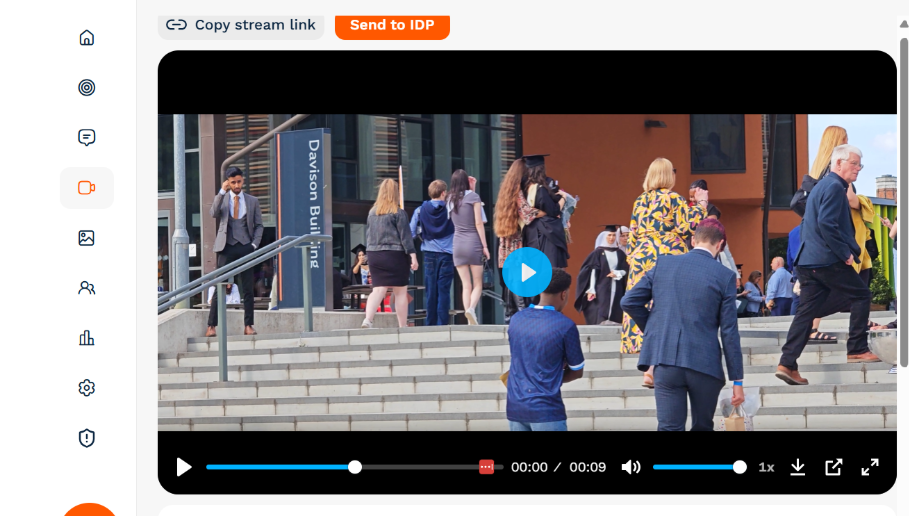
Watch this quick video for a step-by-step walkthrough of how to upload your event recordings and share to IDP:
To upload a recording and share to IDP:
- Go to the On-Demand Streams tab.
- Click + Upload Recording.
- Add title, description, and tags.
- Hit Save
- Click on the stream itself and then the orange 'Send to IDP' button: