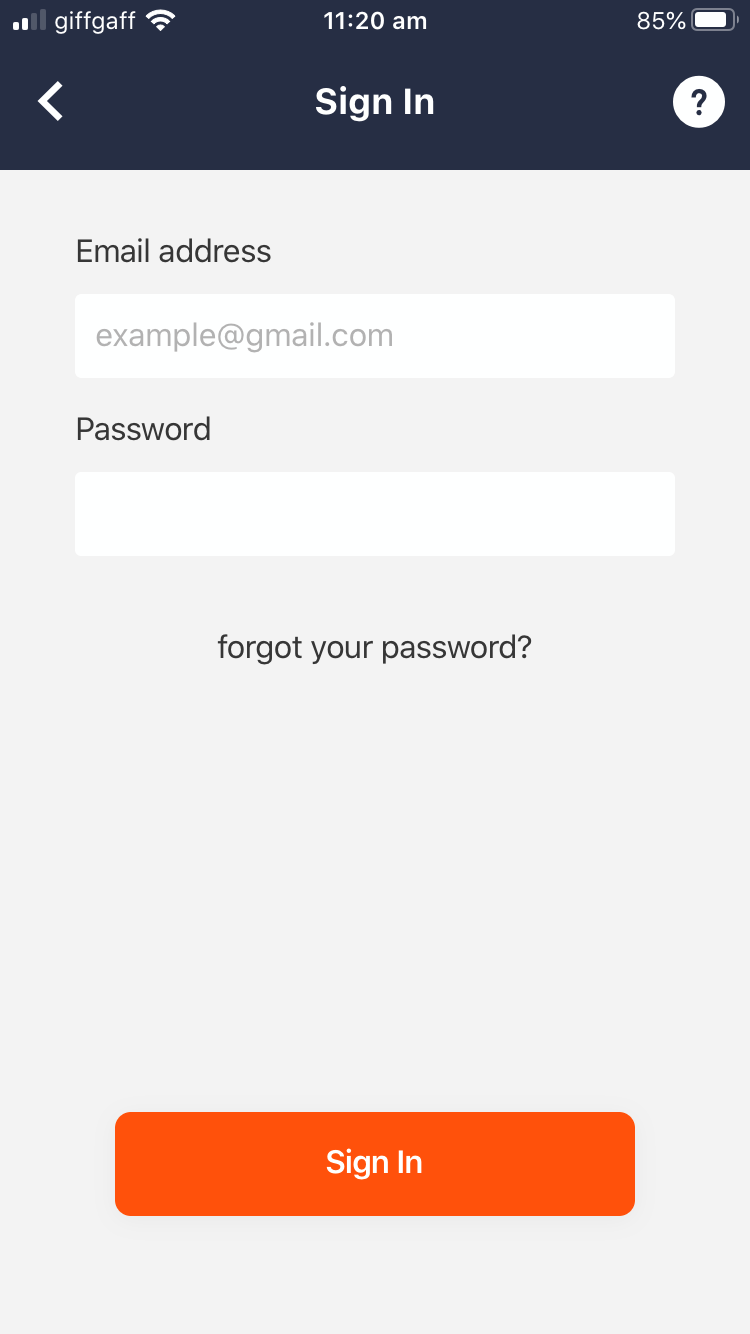
How to reset your password via email when you can't remember your current password
- If you're logged in the app, navigate to My Profile and click on Sign out
- Click on Sign In
- Click forgot your password?
- Enter your email address and click Send
- TAP will email you a six-digit code
- Enter this code into the text field and click Submit
- Choose and confirm your new password
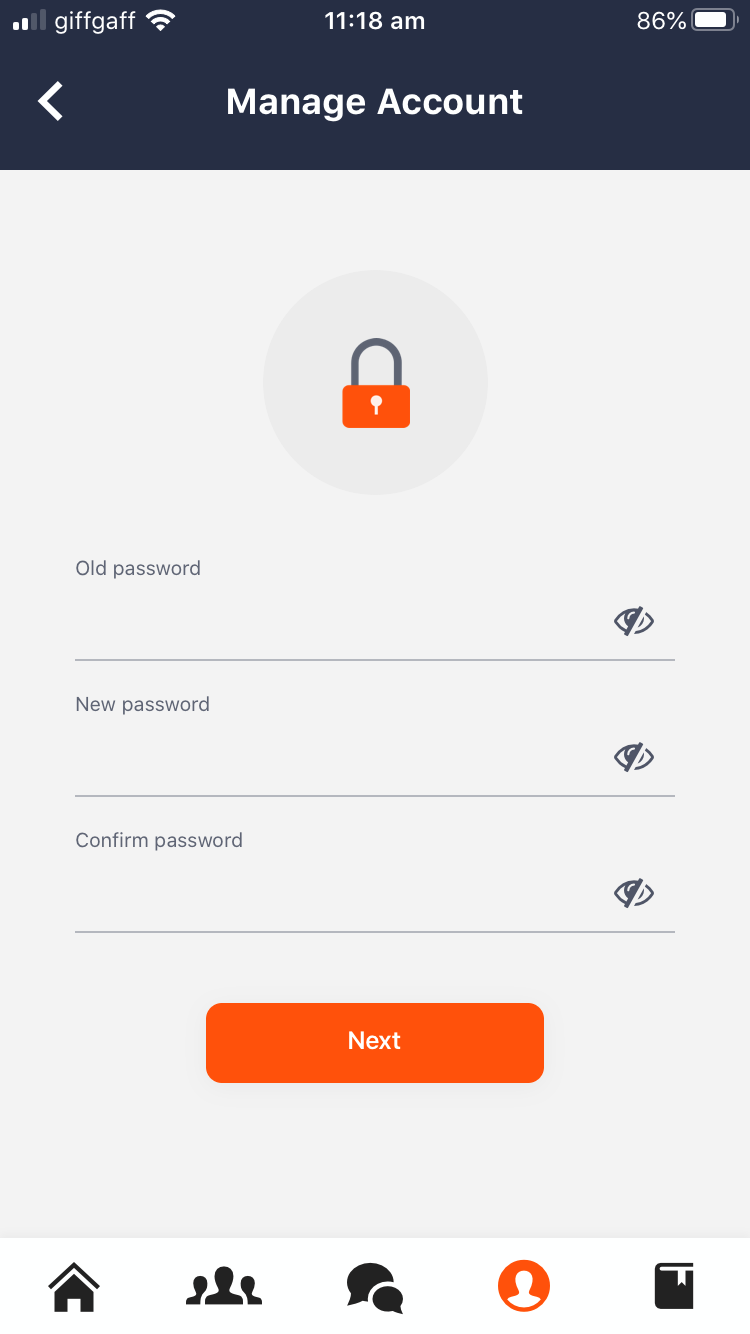
How to change your password while you're logged in the app if you remember your current password
- Click on the My Profile icon in the navigation bar and select Manage Account
- Click Change password
- Enter your old password
- Choose and confirm your new password
- Save your changes by clicking Next
- TAP will email you a six-digit code
- Enter this code into the text field and click Submit