How to Block a Prospect
In order to block a prospect, following the instructions below:

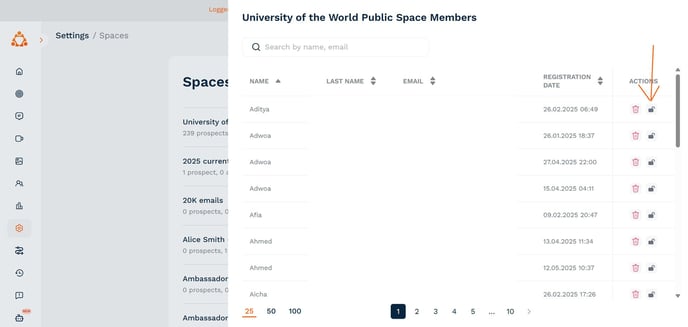
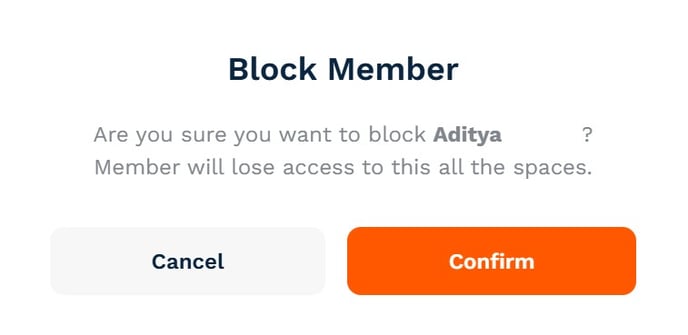
You can unblock them at any point by clicking on the same icon.
How Blocking Works
When a prospect is blocked:
- They receive an email notification and a system message in the chat
- Ambassadors involved in the conversation also see a system message
- The prospect’s messages are hidden across all chats
- They can no longer participate in any conversations