🛠 How to embed TAP in OpenApply
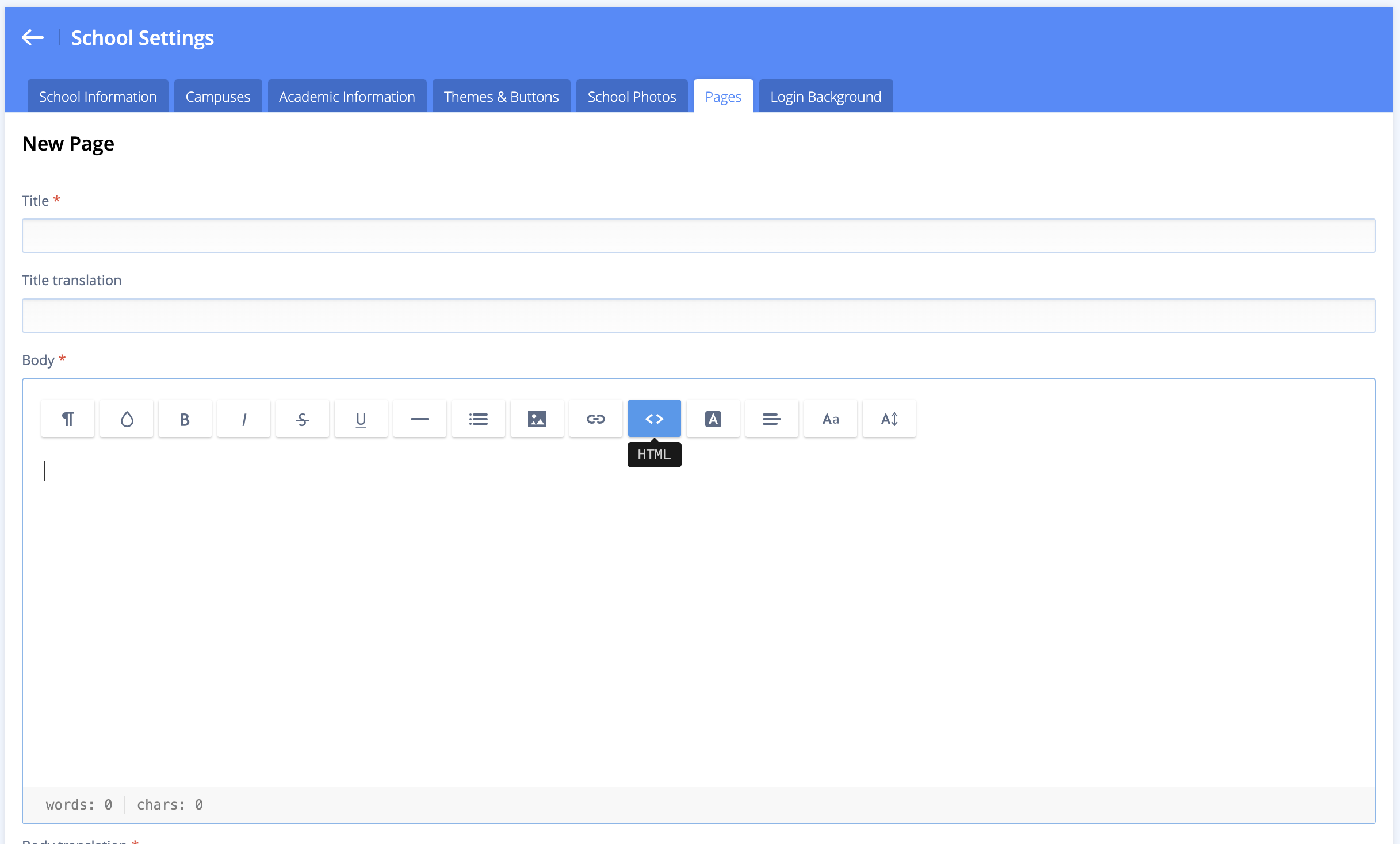
- Go to Settings > School Settings > Pages
- Click + Add New Page
- Select the HTML option
- Paste in the iframe code from your TAP Feed
You’ll find the iframe code in your Admin Dashboard > Settings > TAP Feed
You’ll find the iframe code in your Admin Dashboard > Settings > TAP Feed