🧑💻 How to enable desktop chat access
- Download the app and create your ambassador profile
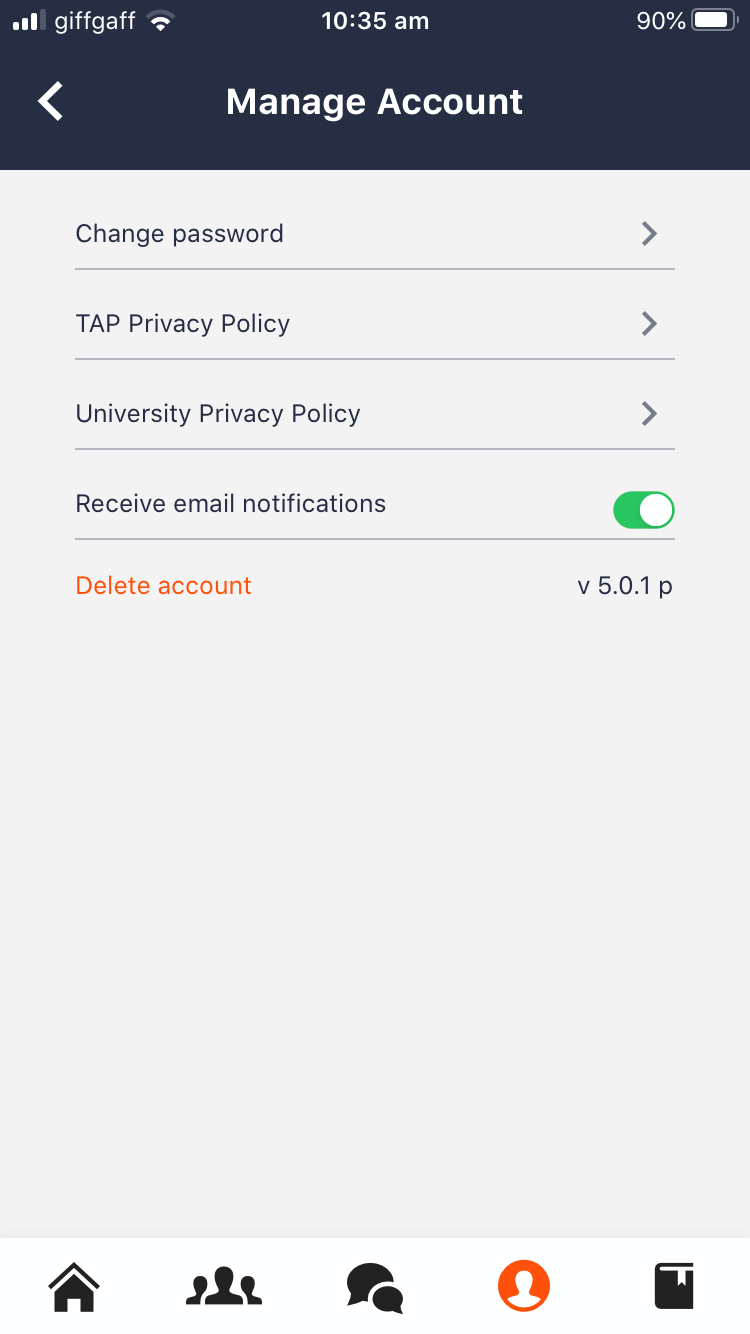
- In the app, go to My Profile > Manage Account
- Toggle on Email Notifications for Chat messages
You’ll now receive email alerts when a prospect sends you a message. Just click the link in the email, log in using your app credentials, and reply from your desktop.
🎥Watch a short video walkthrough of the desktop version:
🔔 Notifications
- You’ll continue to receive push notifications on your mobile app
- If you disable push notifications via your device settings:
- You’ll stop receiving alerts for Chat, Content, and FAQs
- Only do this if you're not expected to engage with those features